
Cloud backup automatically copies your files, settings, and systems to secure data centers, so a current version of everything is ready whenever you need it. For Hawaii businesses it is one of the simplest technology upgrades with the biggest payoff. It keeps island teams working smoothly through storm season, power maintenance windows, equipment upgrades, and the everyday moments when a file needs to come back.
We set up and support cloud backup as part of our IT services for businesses across Oahu, Maui, and the Big Island, delivered by our own local Hawaii team. Here is how it works, why island weather makes it so valuable, and what a strong setup includes.
What cloud backup actually does
Cloud backup software watches the files and systems you choose and copies them to professionally managed data centers automatically. The first backup uploads everything. After that, only changes sync, and those updates usually complete within minutes. The service also keeps earlier versions of your files, commonly for 30 days or longer, so a clean copy from any point in that window is always a few clicks away.
That version history handles the everyday requests we see most. Accidentally overwrote a proposal? Yesterday’s copy comes right back. Replacing a computer? Files and settings come down from the cloud onto the new machine. Setting up a new hire? His or her workstation can be ready before the first day.
Why island weather makes offsite copies so valuable
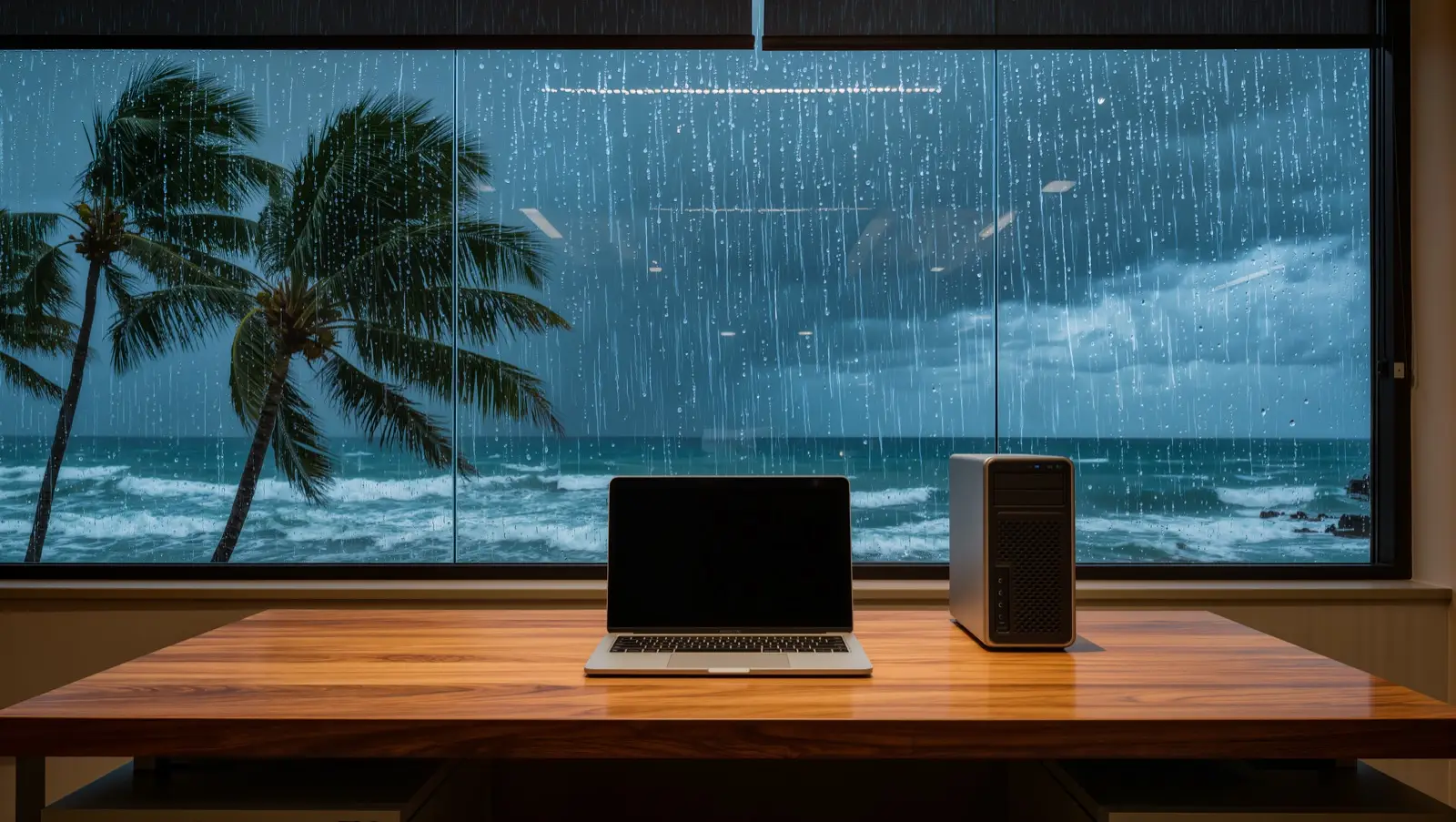
Hurricane season in the Central Pacific runs June 1 through November 30, and heavy rain, high surf, and the occasional power interruption are simply part of island life. Hawaii businesses plan around weather the way they plan around any busy season, and cloud backup makes that planning easy.
With cloud backup, your data lives in data centers roughly 2,500 miles from any weather system that reaches the islands. When a storm brings a day of closures or a neighborhood loses power for an afternoon, your information stays current, protected, and reachable from anywhere with an internet connection. The moment your team is back at a desk, or working from a kitchen table, everything is exactly where it should be.
The 3-2-1 rule, island edition
The most widely trusted standard in data protection is called the 3-2-1 rule. Here is what it looks like for a Hawaii business:
- 3 copies of your data: the original on your computers or server, plus two backups.
- 2 different types of storage: for example, a local backup device in your office for instant restores, plus a cloud service.
- 1 copy offsite: for island businesses this is the cloud copy, stored on the mainland, far from any weather that visits Hawaii.
A typical small office setup takes about an afternoon, and most of that time is the first full upload running in the background. From then on, the whole system takes care of itself, and a good provider verifies every day that it ran.
Everyday benefits beyond storm season
Many of our clients have offices, job sites, or teammates on more than one island. Cloud backup, paired with cloud file storage, keeps every location working from the same current data, so a document finished in Wailuku is ready in Aiea moments later.
Restores are fast, too. A single file typically comes back in minutes, and a full computer can be rebuilt from its backup image. Version history means a clean earlier copy of every file stays available, which is a quiet advantage for security reviews, audits, and compliance paperwork alike.
What to look for in a cloud backup setup
- Automatic daily or continuous backups that run without anyone starting them
- Encryption while data travels and while it is stored
- Version history that keeps earlier copies of files available
- Regular test restores that prove files come back quickly and completely
- Coverage for laptops and cloud apps such as email, not only the office server
- Local support from people who know your setup and pick up the phone
If you already have managed IT, most of this list should be included. Our article on what managed IT actually includes covers how backup fits into the bigger picture.
How we set up cloud backup for Hawaii businesses
We have served Hawaii businesses since 1997, with offices on Oahu, Maui, and the Big Island. Our own local team designs the backup plan, handles the setup, monitors every backup as part of our IT services, and runs test restores so you know your files will come back the way you expect. When you have a question, you reach a person here in the islands.
If you would like a clear picture of what cloud backup would look like for your business, we offer a free IT assessment. It is a friendly, no pressure conversation about your current setup and what would serve you best, and it usually takes less than an hour. Request an IT assessment and we will take care of the rest.